Do auto-conversion for ARC:
1. Open “XCode -> Preferences", tab “General". Check “Continue building after errors" (diagram 1)
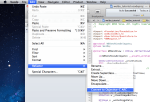
2. Open “Edit -> Refactor -> Convert to Objective-C ARC…" (diagram 2)
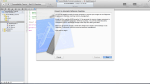
3. If there is any “ARC readiness issues", fix it, until no more ARC readiness issues.
4. Do step 2 (conversion) again.
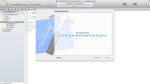
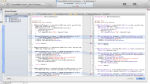
5. Confirm the comparison page. (diagram 3-5)
6. Finish. You may Build your project again and see the ARC conversion is done.


 Stories Tech Biz